You’re walking through a busy street, iPhone in hand, trying to capture smooth footage for a vlog or Reel—and every step shows up as a jitter. That moment is usually when people start asking what is the best iPhone gimbal in 2026. Today’s gimbals aren’t just optional add-ons; they’ve become core tools for anyone serious about mobile video. From short-form social content to travel vlogs and daily storytelling, the right gimbal can turn shaky clips into footage that looks intentionally shot. This guide focuses on what actually matters in real-world use and compares leading options so you can choose with confidence.
Understanding What Makes an iPhone Gimbal the Best
Stabilization performance and motor strength
Stabilization is the reason gimbals exist. The top-performing models rely on 3-axis motorized stabilization to counteract shake from walking, quick pans, and sudden stops. Motor strength matters more than ever, since newer iPhones are noticeably heavier thanks to larger sensors and multi-lens camera systems.
In practice, strong stabilization shows up when filming while moving, shooting in low light, or recording for long stretches. Footage should stay smooth whether you’re tracking a person, filming a street scene, or capturing handheld cinematic shots without a tripod.
Compatibility with iPhone models and sizes
Not every gimbal handles every iPhone equally. Larger camera bumps and heavier builds have made compatibility a real decision point. The best gimbal for iPhone 15 and newer devices should balance heavier phones easily, without counterweights or awkward adjustments.
Check supported dimensions, maximum weight, and whether you can keep your case on. A gimbal that remains compatible as you upgrade phones is far more cost-effective over time.
Portability, build quality, and ease of use
A gimbal that stays at home doesn’t help your content. Foldable designs, lighter materials, and fast setup make a noticeable difference for travel and daily shooting. Build quality still matters—you want something that feels solid, not flimsy.
Good design also means intuitive controls. Clear buttons, quick mode changes, and easy balancing let you focus on framing shots instead of fighting with settings.
Key Features to Look for When Choosing an iPhone Gimbal
Smart tracking, AI features, and creative shooting modes
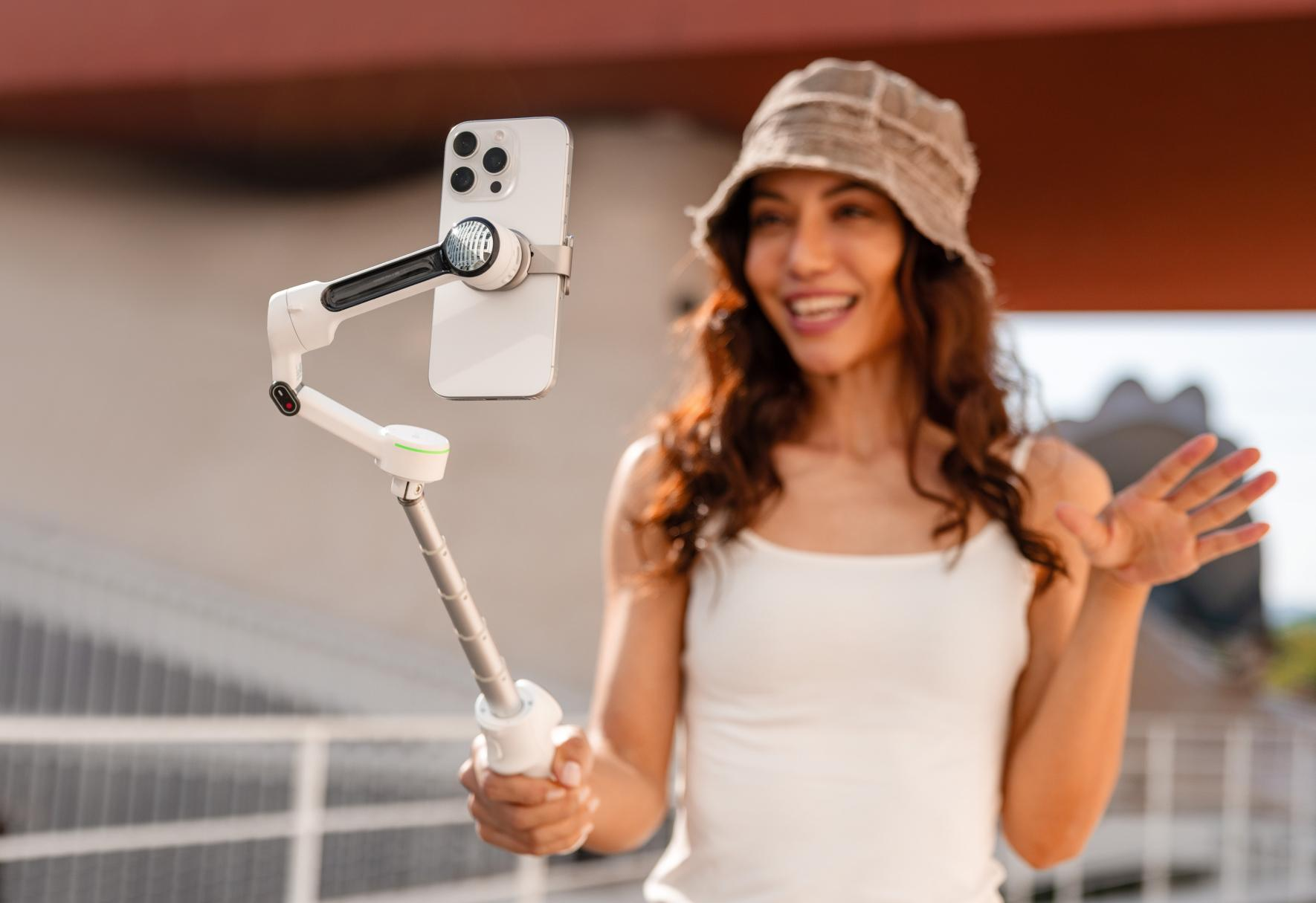
This is where modern gimbals pull ahead. AI-based tracking can lock onto faces or moving subjects and keep them centered automatically, which is especially useful for solo creators filming themselves.
Creative modes like time-lapse, motion-lapse, panorama, and vertical shooting for social platforms expand what you can do with just your phone. These features reduce the need for extra gear or complicated editing workflows.
Battery life, charging, and all-day shooting
Most current gimbals deliver roughly 8–12 hours of battery life, enough for a full day of filming. USB-C charging is now standard, making it easy to top up with the same cables and power banks you already carry.
Some models can also charge your iPhone while mounted, which is a major advantage during long recording sessions or live streaming.
App support and creative controls
The hardware is only half the experience. Companion apps unlock advanced controls like tracking sensitivity, motor strength, and shooting presets. The best apps feel like natural extensions of iOS and receive regular updates.
Before buying, it’s smart to watch app demos or read user reviews. Weak software can limit even the most capable gimbal.
Top iPhone Gimbal Options Compared
How stabilization performs in real-world shooting
During hands-on smartphone gimbal comparison for iPhone users, differences show up quickly when walking, filming action, or shooting at night. Premium gimbals maintain smooth footage even when you change direction abruptly.
Mid-range models are fine for casual clips but may struggle with heavier phones or fast movement. If polished, professional-looking footage is a priority, higher-quality stabilization is worth the investment.
Design choices that affect portability and travel
Design influences how often you actually use a gimbal. Compact, foldable models slip into a backpack and encourage spontaneous filming. Larger units often deliver stronger motors but take up more space.
The best portable gimbal for iPhone creators finds the middle ground—small enough to travel easily, powerful enough to handle modern phones.
Value for money and long-term usability
Value isn’t just about the sticker price. A slightly higher upfront cost can make sense if the gimbal supports future phones, receives firmware updates, and includes genuinely useful features.
Warranty coverage, durability, and brand track record all matter, especially for creators who depend on their gear for consistent output.
Why Insta360 Flow 2 Pro Is a Strong Choice for iPhone Users
Balanced stabilization paired with intelligent tracking
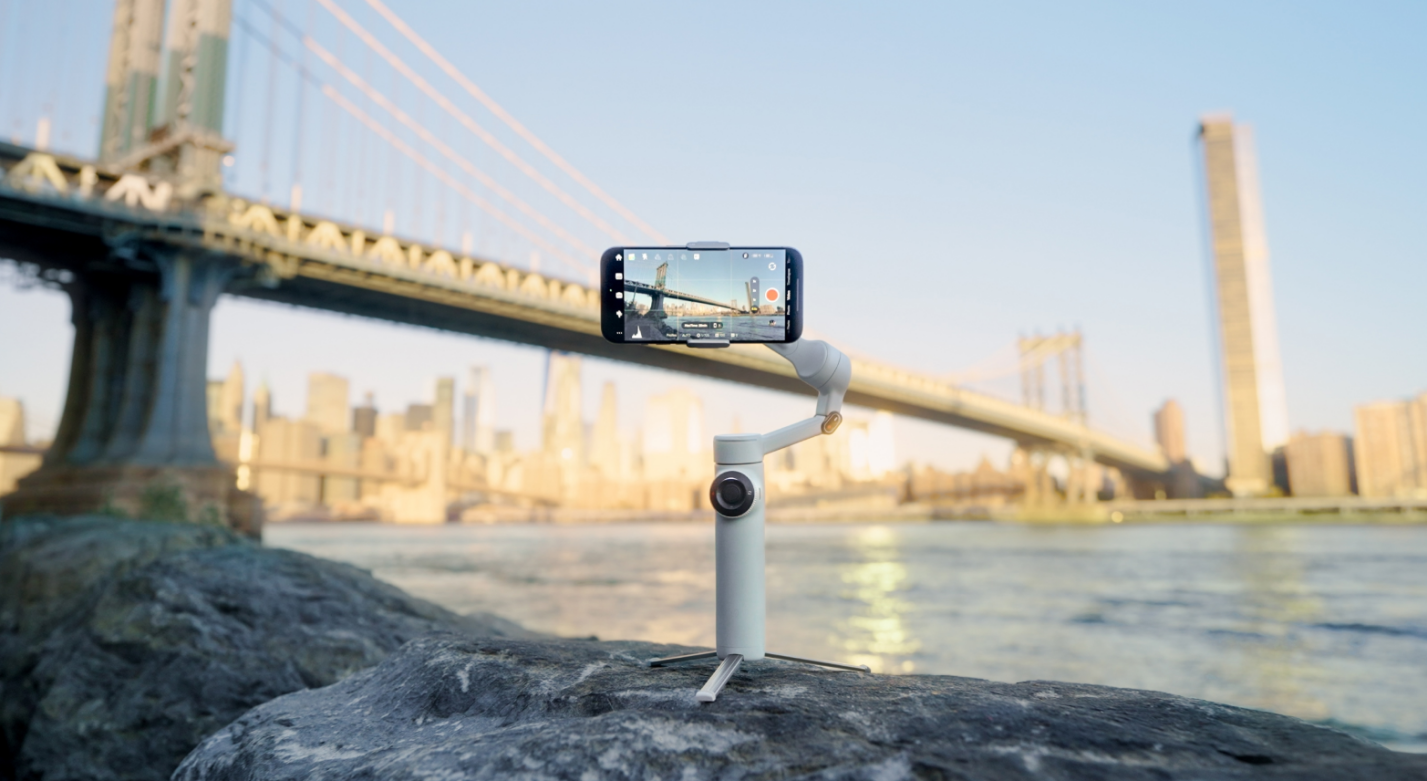
Insta360 Flow 2 Pro earns attention by combining reliable stabilization with capable subject tracking. Its motors are built to handle modern iPhone sizes comfortably, keeping footage smooth during walking shots, pans, and more dynamic movement.
AI-powered tracking keeps faces or moving subjects centered, which is ideal for creators who want the best iPhone gimbal for video recording without complicated setup.
Built for creators, vloggers, and everyday filming
Insta360 Flow 2 Pro doesn’t aim only at professionals. It blends advanced features with an approachable design—fast setup, clear controls, and a companion app that offers creative tools without overwhelming new users.
That balance makes it a solid option for anyone researching what is the best iPhone gimbal for vloggers, as well as everyday users who want smoother personal videos. Several creators have shared in-depth gimbal performance reviews highlighting this approach.
Conclusion
The answer to what is the best iPhone gimbal comes down to how well it stabilizes footage, supports your phone, and fits into your shooting habits. In 2026, iPhone gimbals have matured into powerful creative tools that can rival traditional camera stabilizers for mobile video. Options like Insta360 Flow 2 Pro show how smart tracking, solid stabilization, and thoughtful design can serve both beginners and experienced creators. Decide how and where you film most, shortlist models that match those needs, and invest in a gimbal that will elevate your iPhone videos long after your next upgrade.
FAQs
What is the best iPhone gimbal for beginners?
Beginners benefit most from gimbals with quick setup, intuitive controls, and reliable auto-balancing. Models that include guided apps and basic AI tracking shorten the learning curve while still delivering smooth footage.
Can an iPhone gimbal replace a camera stabilizer?
For mobile-focused content, yes. Modern iPhone gimbals offer strong stabilization and creative features that work well for vlogging, social media, and even client projects when paired with the right apps.
Is Insta360 Flow 2 Pro compatible with the latest iPhone models?
Insta360 Flow 2 Pro is designed to handle newer iPhone sizes and weights, including models with larger camera modules. Checking the official compatibility list before buying is always recommended.
Do I need a gimbal if my iPhone has built-in stabilization?
Built-in stabilization helps with small movements, but it can’t match the smooth, floating look of a 3-axis gimbal during walking or tracking shots. A gimbal becomes especially valuable for longer recordings and dynamic scenes.