
Introduction
Gaming enthusiasts often believe that enjoying high-quality gaming experiences requires a hefty budget. However, you can build an inexpensive gaming computer in 2024 if you know where to focus your resources. This guide aims to walk you through creating a gaming PC that offers impressive performance without straining your finances. We will explore each component’s role in delivering an optimal gaming experience and provide practical tips for assembling your ideal machine.

Setting Your Budget for a 2024 Gaming Computer
The first step in building a gaming PC is deciding your overall budget. Understanding the balance between cost and performance is crucial. Identify how much you can comfortably spend and then allocate funds accordingly to each component. A balanced system ensures that none of your resources are wasted.
-
Determine Priorities: Will you prioritize graphics for aesthetic games or speed for competitive gaming? Your focus will dictate where most of your budget goes.
-
Expense Breakdown: Allocate percentages of your budget to each major component, ensuring you leave some flexibility for unexpected costs or upgrades.
With a clear plan in place, you can confidently move on to sourcing the essential components for your build.
Essential Components for an Inexpensive Gaming Computer
Choosing the right components can dramatically reduce costs without sacrificing performance.
CPU: Affordable Processors for Gaming
The CPU acts as the computer’s brain. For budget builds, AMD’s Ryzen series and Intel’s Core i3 or i5 are reliable choices offering good performance at a lower cost.
GPU: Budget-Friendly Graphics Card Options
The GPU is key for gaming visuals. Brands like NVIDIA and AMD provide budget-friendly graphics cards such as the NVIDIA GTX 1650 or the AMD Radeon RX 6400, which perform well on a budget.
RAM: Optimal Size for Gaming on a Budget
Eight to 16 GB of RAM is generally adequate for gaming. Opt for brands like Corsair or Crucial, known for affordable pricing without quality compromise.
Storage: Choosing Between SSD and HDD
While HDDs offer more storage for less money, SSDs provide better speed, significantly affecting game load times and system responsiveness. A hybrid approach using both can be cost-effective and efficient.
Understanding the importance of each component allows you to make informed decisions as you begin assembling your computer.
Building Strategies for Cost Efficiency
Smart strategies can help stretch your budget further.
-
Buy Refurbished: Don’t shy away from refurbished items with warranties.
-
Look for Sales: Keep an eye on seasonal sales or retailer discounts.
-
Bundle Deals: Sometimes buying components bundled together can result in savings compared to purchasing individually.
By adopting these strategies, you are well-prepared to start assembling your computer.
Step-by-Step Guide to Building Your Gaming PC
With your components ready, it’s time to assemble your gaming PC.
-
Prepare Your Workspace: Ensure you have a clean, spacious area to work in. Gather all necessary tools, such as screwdrivers and anti-static wristbands.
-
Assemble Your Components: Start with the motherboard, attaching the CPU and RAM before securing it in the case. Follow with installing the GPU, power supply unit, and storage drives.
-
Install and Configure Software: Once the hardware is set, install your operating system and update all drivers. Configure settings to ensure your computer runs smoothly.
This hands-on experience empowers you with troubleshooting skills and strengthens your understanding of computer assembly.
Optimizing Your Gaming Computer for Peak Performance
Once your machine is up and running, optimization can make a significant difference.
-
Adjust Software Settings: Utilize software tools like MSI Afterburner or GeForce Experience to tweak graphics and performance settings.
-
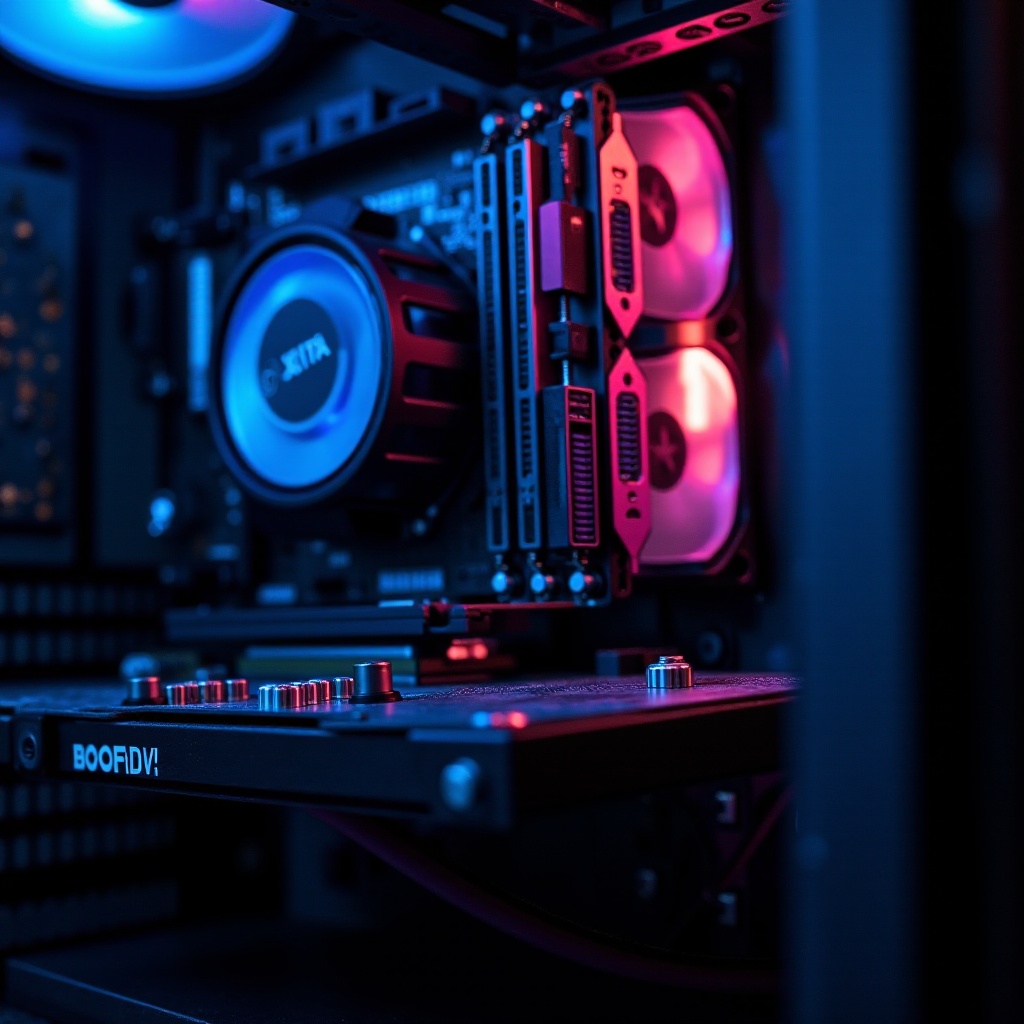
Regular Maintenance: Clean your computer regularly to avoid dust buildup, which can cause overheating.
Consistent maintenance and performance tuning ensure your budget build operates smoothly alongside more expensive systems.
Conclusion
Building a gaming PC doesn’t have to break the bank. With careful planning and research, you can enjoy high-quality gaming at a fraction of the expected costs. This guide provides you with the knowledge needed to embark on a budget-friendly build journey, ensuring 2024 is a year of incredible gaming experiences without financial strain.
Frequently Asked Questions
What is the most cost-effective way to upgrade an old PC for gaming?
Consider upgrading the GPU first, as it’s often the most impactful on gaming performance, followed by adding more RAM and upgrading to an SSD for faster load times.
How can I ensure my budget gaming PC is future-proof?
To future-proof your gaming PC, focus on purchasing a capable CPU and motherboard, which are more costly to upgrade later. This foundation allows for easier component upgrades when needed.
Are there potential pitfalls in buying used PC components?
While buying used components can reduce costs, always verify sellers’ reputations and test components before full assembly to avoid purchasing faulty items.