Introduction
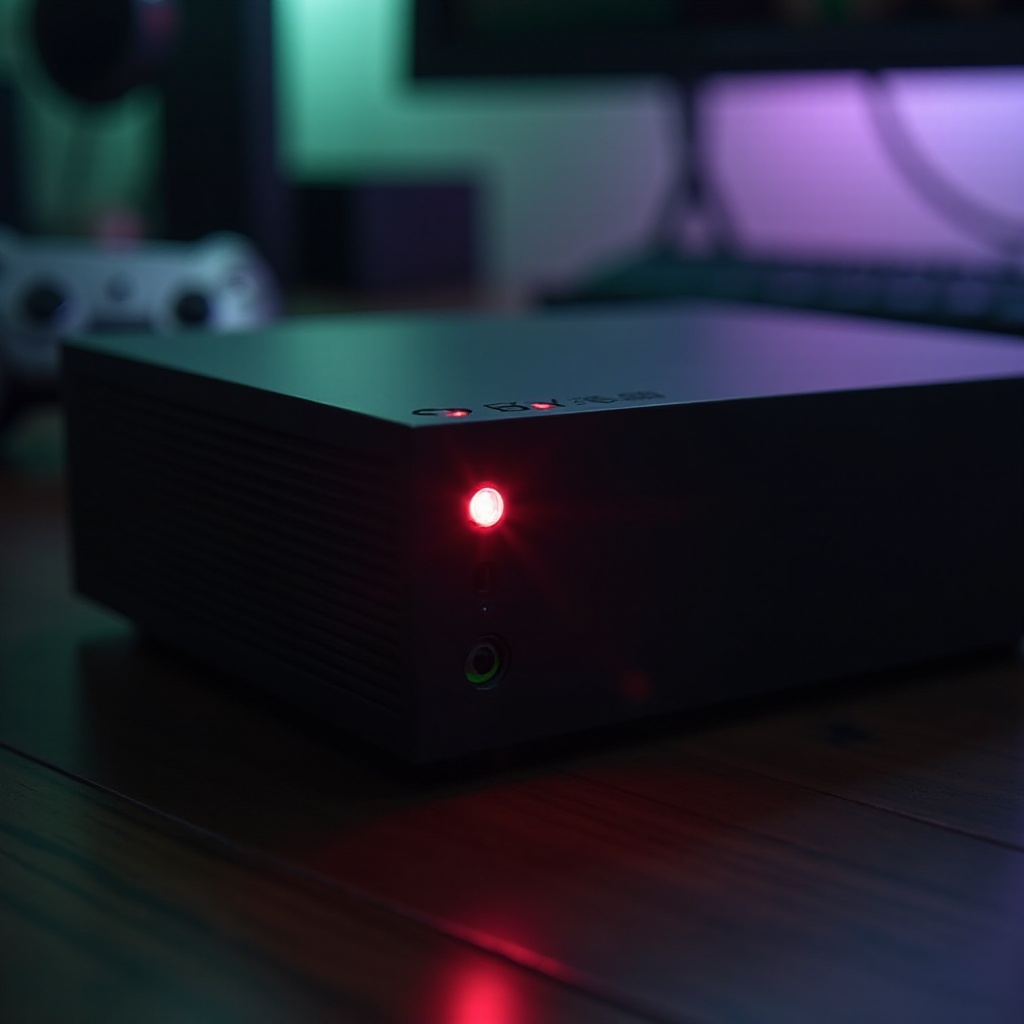
An overheating PlayStation 4 can quickly spoil your gaming sessions and may even cause long-term damage to your console. Recognizing the symptoms and understanding the reasons behind overheating can help you react swiftly and implement effective solutions. This guide will cover all you need to know to keep your PS4 operating at optimal temperatures for uninterrupted gaming.
Recognizing the Signs of Overheating
Detecting overheating issues early can prevent serious damage to your console. Look for these signs:
- The fan runs loudly, more than usual.
- Game performance stutters or lags.
- The console shuts down mid-game with a warning.
Understanding these symptoms helps in distinguishing overheating problems from other performance issues, setting the stage for targeted fixes.
Common Causes of PS4 Overheating
Let’s explore why your PS4 might be getting too hot. Several factors typically contribute to overheating:
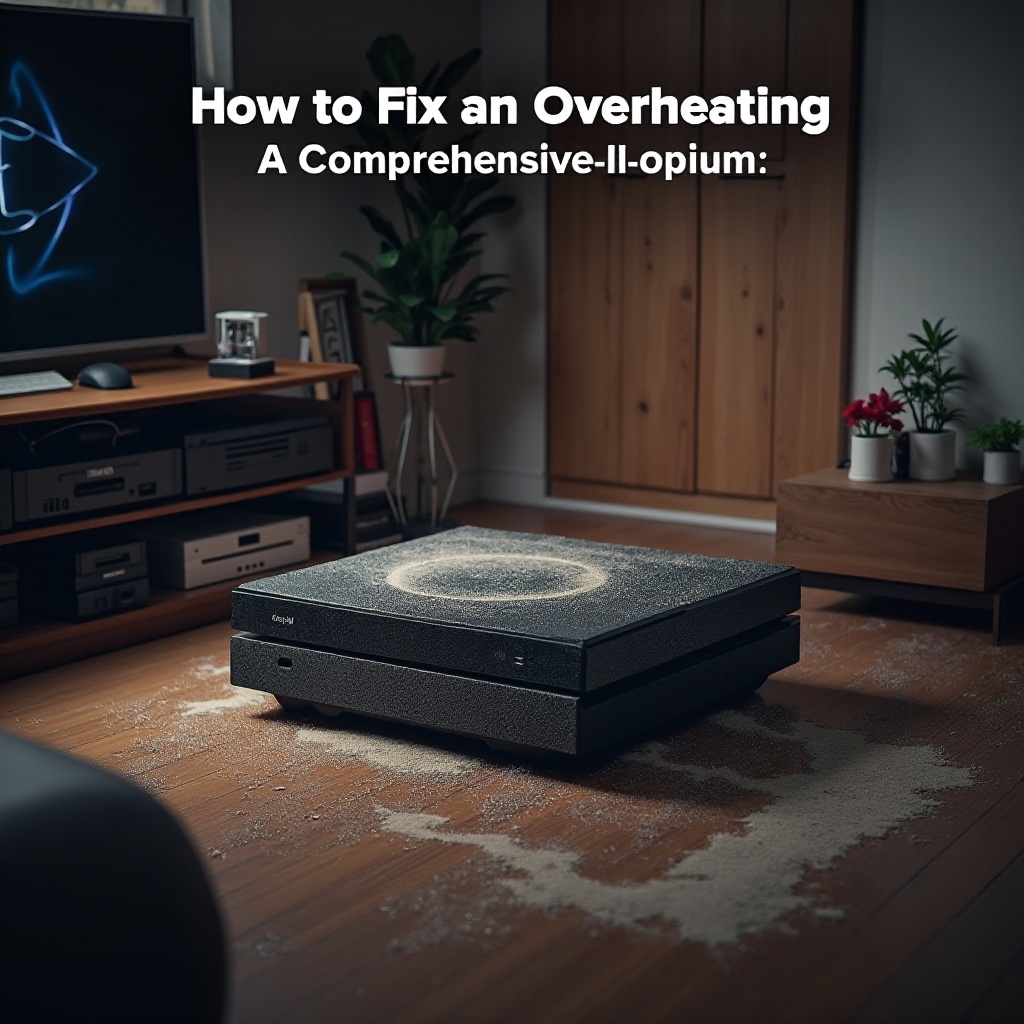
- Dust Accumulation: Dust can clog vents, obstructing airflow.
- Inadequate Ventilation: A confined setup without sufficient air circulation can stifle your console.
- Hot Environmental Conditions: If the room is warm, your PS4 might struggle to keep cool.
Addressing these root causes is crucial for implementing effective solutions, ensuring your console runs smoothly.
Step-by-Step Solutions to Fix Overheating
Once you understand the causes, you can take these steps to tackle the issue:
Cleaning the PS4 Internally
Keeping your PS4 clean is vital for preventing overheating. Follow these steps:
- Turn Off and Unplug: Always ensure your console is off and unplugged from power.
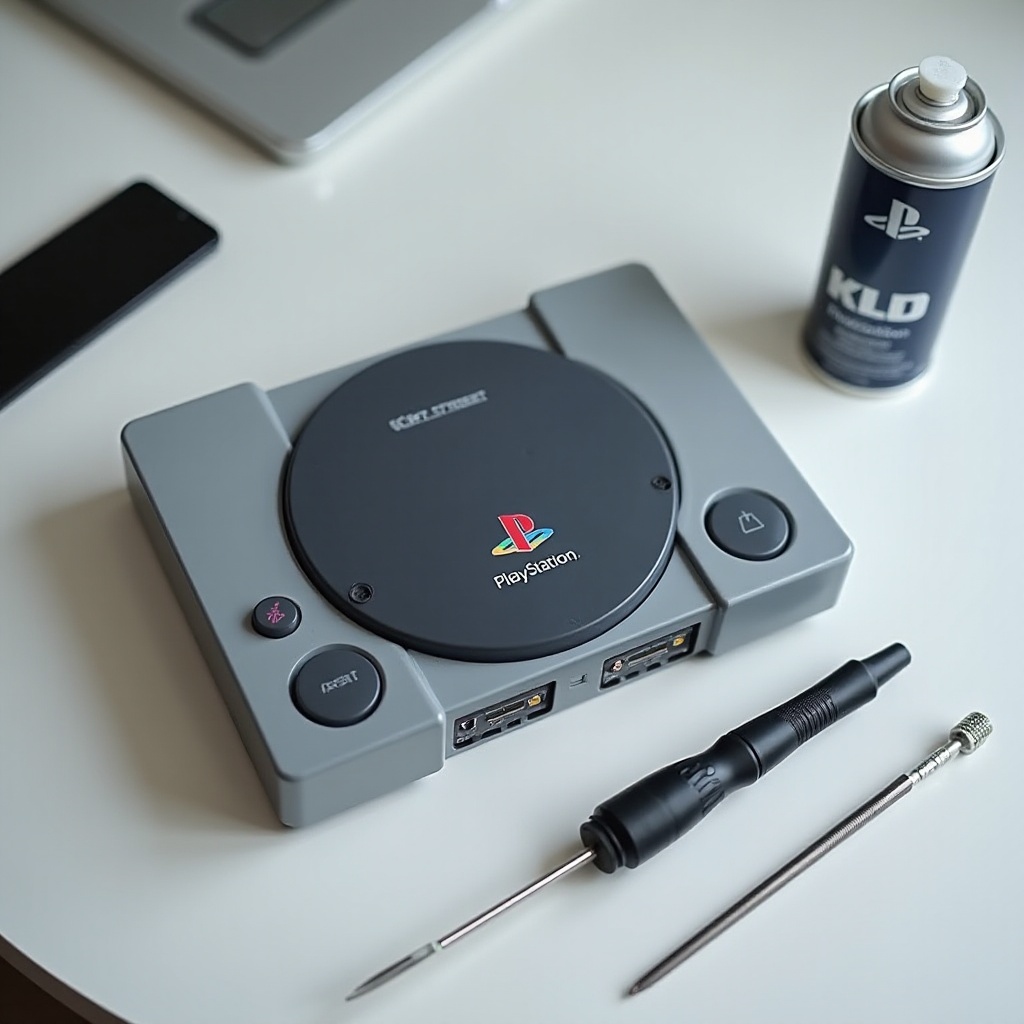
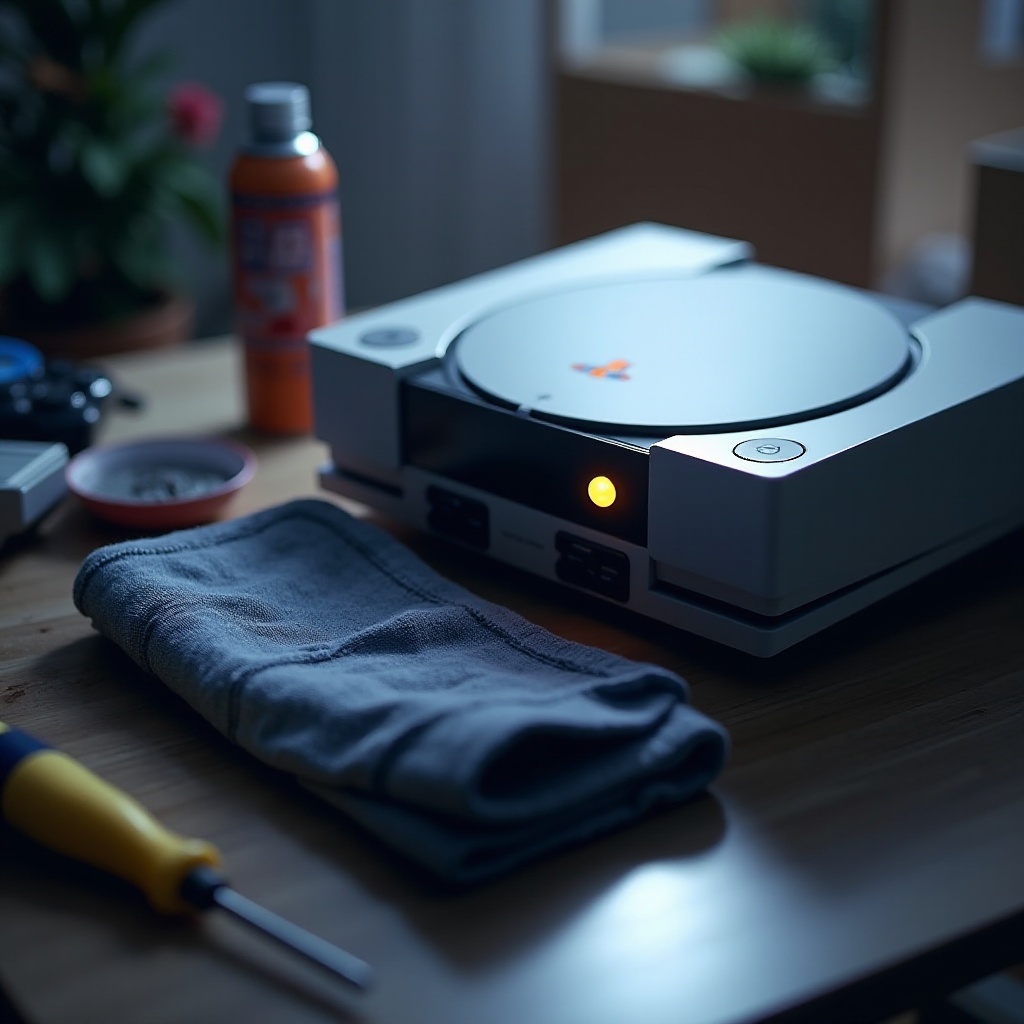
- Gather Cleaning Tools: You’ll need a microfiber cloth, compressed air, and a small screwdriver.
- Remove the PS4 Cover: Using your screwdriver, carefully take off the top cover.
- Use Compressed Air: Blow air through the vents gently to clear dust, taking care not to damage components.
- Wipe the Exterior: Clean the outside of your PS4 with a microfiber cloth.
Routine cleaning helps maintain airflow and keeps your PS4 cooler.
Enhancing Ventilation and Cooling
Good airflow can greatly reduce heat buildup. Try these strategies:
- Place Your Console Vertically: A vertical position can aid heat dissipation.
- Invest in Cooling Accessories: Use cooling stands or fans designed specifically for PS4.
- Open Placement: Avoid placing your console in tight spaces, allowing heat to escape.
These measures ensure the console remains well-ventilated, preventing overheating under typical gaming conditions.
Adjusting Software and Settings
Optimizing your PS4 settings can also help with cooling:
- Lower Graphics Settings in Games: Reducing settings can ease the hardware load.
- Update System Firmware: Regular updates can optimize your system’s performance.
- Limit Background Applications: Minimize the number of apps running simultaneously.
Implementing these changes manages system load, reducing the chances of overheating.
When to Seek Professional Repair
Should these efforts fail to resolve your overheating issues, professional assistance may be necessary. Consider seeking help if:
- Overheating persists despite thorough cleaning and cooling efforts.
- You notice physical damage or hear unusual noises.
- Your console is still under warranty.
Professional evaluations can diagnose deeper hardware issues that may not be apparent to the average user.
Preventative Measures for Long-Term Performance
Predictive maintenance can significantly extend your PS4’s lifespan:
- Regular Cleanings: Integrate cleaning into your routine to prevent dust build-up.
- Optimal Room Conditions: Ensure your gaming area is cool and has sufficient air circulation.
- Monitor Console Usage: Avoid extended sessions that overwork the console without breaks.
These preventative habits ensure your PS4 remains in top condition, ready for countless gaming hours.
Conclusion
Preserving your PS4’s optimal temperature is crucial for a consistent gaming experience. By recognizing signs, understanding causes, and employing efficient solutions, you can prevent overheating and enjoy a reliable console for years. Keep these strategies in your gaming toolkit to enhance your PlayStation experience.
Frequently Asked Questions
How often should I clean my PS4 to prevent overheating?
It’s recommended to clean your PS4 every three to six months, depending on usage and environmental conditions.
Can overheating permanently damage my PS4?
Yes, sustained overheating can damage the PS4’s hardware, affecting performance and lifespan.
What are the best cooling stands for PS4 in 2024?
In 2024, popular cooling stands include models from brands like Oivo and PowerA, known for their effectiveness and reliability.