Introduction
Samsung TVs are celebrated for their advanced technology and visual quality, yet users often encounter perplexing issues. A non-functional source button, key for switching inputs like HDMI devices or cable, is a common problem. This blog delves into the various causes of this issue and provides a detailed step-by-step guide for resolving it, ensuring a frustration-free viewing experience.
Understanding the Source Button on Samsung TVs
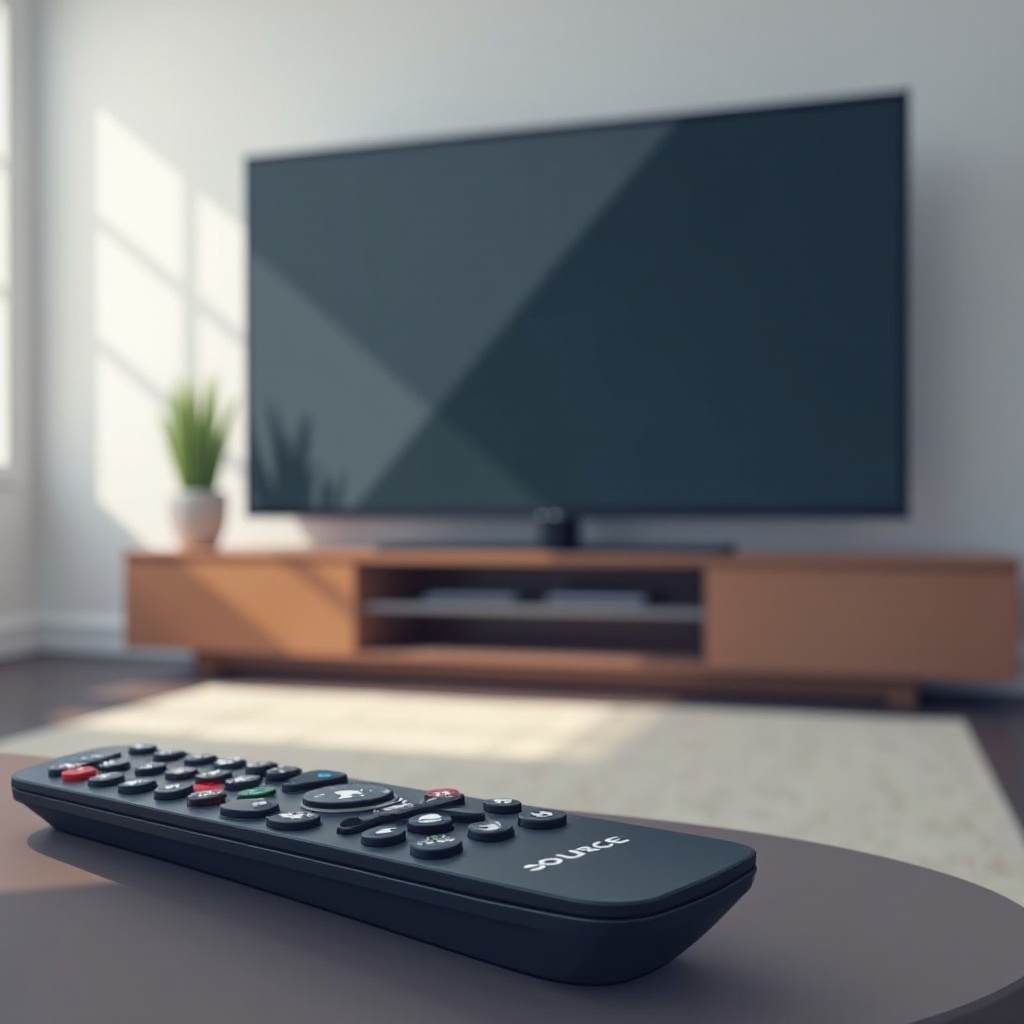
The source button on your Samsung TV remote is a critical function for switching between numerous input sources, such as streaming devices, gaming consoles, or Blu-ray players. Its failure can disrupt seamless entertainment experiences, leading to significant frustration. Understanding how this button works and the potential reasons for its malfunction is the first step toward resolving the issue effectively.
To navigate the problem efficiently, identifying the root cause is paramount. It may be something as simple as an obstruction or as complex as software issues.
Common Causes for Source Button Malfunction
Before embarking on any solutions, it’s essential to identify why the source button might not be working. Several common causes include:
-
Remote Control Issues: Commonly, the remote itself is the problem. Batteries may deplete, or physical damage may result in unresponsive buttons.
-
Software or Firmware Problems: Occasionally, inconsistencies in your TV’s software may arise, impacting the source button’s functionality. Keeping your firmware updated is crucial.
-
Infrared Sensor Interference: Objects blocking the IR signal or interference from other electronic signals can result in an impaired source button function.
With these potential causes in mind, users can now move forward with troubleshooting strategies to detect and fix the problem more efficiently.
Step-by-Step Troubleshooting Guide
Addressing the source button issue on your Samsung TV involves a series of structured steps that start with the simplest solutions:
- Checking and Replacing Remote Batteries:
-
The first step is to ensure your remote control’s batteries have sufficient charge or need replacement. Weak batteries often lead to unresponsive buttons.
-
Ensuring the Infrared Sensor is Unobstructed:
-
Check for any physical obstructors, like objects or dust, in the path between the remote and your TV. The infrared sensor must have a clear line of sight.
-
Testing with a Universal Remote:
- If the issue persists, borrow a universal remote to test if the source button works. This method will help determine if the remote or the TV is the problem.
If none of the above solutions work, it’s time to explore more significant adjustments that may require a bit more technical knowledge.
Advanced Solutions for Persistent Problems
For source button problems that persist beyond basic troubleshooting, consider these advanced solutions designed to target more complex issues:
- Updating Samsung TV Software:
-
Ensure your TV’s firmware is current, as outdated software can cause operational glitches. Go to the settings menu to check for and install available updates.
-
Performing a Factory Reset:
-
If incorrect settings are the root of the issue, a factory reset can return the TV to its original setup. Be cautious, as this will erase all personal configurations.
-
Utilizing Samsung’s Customer Support:
- When the problem is beyond a DIY fix, Samsung’s support team is a valuable resource. They can help troubleshoot over the phone or organize for in-person repair services.
With these advanced solutions, users can address the television’s deeper issues, ensuring the source button’s functionality is fully restored.
Preventive Maintenance Tips
To avoid future hassles with your Samsung TV’s source button, consider these preventive measures:
-
Regular Software Updates: Keep your TV’s software up-to-date to reduce software-related issues which may lead to remote problems.
-
Proper TV Placement: Ensure your television and remote have a clear path to communicate effectively, free from physical obstructions.
-
Routine Remote Maintenance: Regularly clean the remote to prevent dust accumulation, which can sometimes lead to operational issues.
By taking preventive steps, you increase the lifespan of your remote and reduce the likelihood of future issues with your TV’s source button.
Conclusion
Resolving a non-functioning source button on your Samsung TV involves understanding the problem’s root causes and following a comprehensive troubleshooting and solution approach. Whether the issue is simple or complex, this guide offers strategies to rectify it and resume enjoying hassle-free TV viewing. With further prevention measures, future issues can be minimized, and device longevity ensured.
Frequently Asked Questions
Why is my Samsung TV source button not working even after a reset?
A reset can resolve many issues, but persistent problems might require updating the firmware or professional repairs if technical bugs continue.
Can a universal remote control the source function on a Samsung TV?
Yes, a universal remote can often operate the source function if it’s compatible with Samsung TVs, serving as a temporary or permanent solution.
How often should I update my Samsung TV’s software?
Checking for software updates every couple of months is advisable. Regular updates keep your TV’s performance optimized and prevent common software-related issues.