Introduction
Is your phone’s audio quality bothering you with muffled sounds? This can make simple tasks frustrating, affecting calls, music, and videos. By understanding why this happens, you can restore your phone’s audio clarity and ensure it functions at its best. Join us as we delve into the root causes and solutions to this pervasive issue.
Common Causes of Muffled Phone Sounds
Several factors can lead to muffled phone sounds. Identifying these causes is the first step in resolving the issue.
-
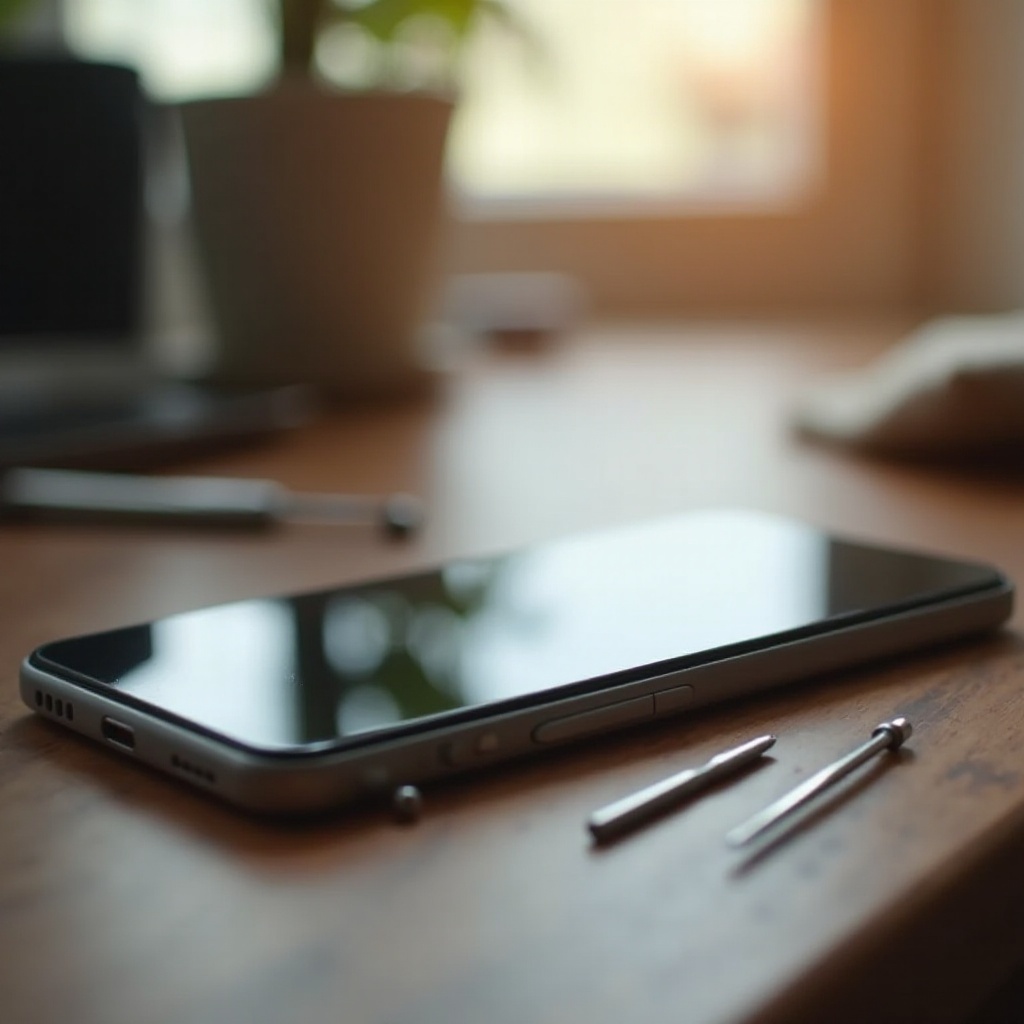
Physical Obstructions and Damage: Environments with dust can result in particles accumulating in your phone’s speaker or microphone, interfering with sound transmission. Additionally, any physical damage to these components can distort audio quality.
-
Software Glitches and Outdated Firmware: Software issues or outdated operating systems may also be responsible. These can interfere with how your phone processes audio, resulting in muffled sounds.
-
Environmental Factors Impacting Sound Quality: Using your phone in noisy or humid settings can further diminish sound clarity, contributing to the issue.
Now that you’ve explored potential causes, proceed with initial checks and simple fixes that often resolve such problems.
Initial Checks and Quick Fixes
Before diving into complex fixes, try these basic checks:
-
Inspect for Dust and Debris: Gently clean the speaker and microphone areas with a soft brush or compressed air to eliminate obstructions.
-
Adjust Volume and Audio Settings: Ensure the phone’s volume is adequately turned up and check that audio settings aren’t muted or too low.
-
Use Built-in Diagnostic Tools: Access diagnostic tools in your phone’s settings menu to identify speaker or microphone issues.
If these quick fixes don’t restore sound clarity, the root problem could be more pervasive. Examine the device’s software next.
Software Troubleshooting Steps
Persisting sound issues might arise from software-related problems. Employ these troubleshooting steps:
-
Restart Your Device: A simple reboot can resolve temporary glitches. Power off your phone, wait a few seconds, then turn it back on.
-
Clear Cache and Update Software: Navigate to the settings to clear app caches that might be hindering performance. Check for available system updates and install them to maintain optimal functionality.
-
Identify App Interference: Some applications may conflict with audio settings. Start your phone in safe mode to determine if any app is the culprit.
Software adjustments often clarify audio issues. If sound problems continue, consider advanced diagnostic measures.

Advanced Diagnostic and Repair Options
Explore further repairs for persistent muffled sounds:
-
Reset Audio Settings to Default: Reset audio settings in your sound menu to eliminate unintentional changes causing interference.
-
Test with External Audio Devices: Connecting headphones or an external speaker may help ascertain whether the issue lies with the phone’s internal audio components.
-
Seek Professional Repair Services: Suspect hardware damage like defective speakers? Consult a certified technician or authorized service center for expert repair.
Fixing the immediate issue is crucial, but preventing recurrence is equally important. Actively manage your device with some preventive tips.
Preventive Measures for Clear Audio
Once your phone’s sound quality is restored, uphold these practices to maintain clarity:
-
Regular Cleaning and Maintenance: Frequently clean your phone’s exterior to prevent dust and debris from clogging speaker grills and microphones.
-
Keep Software Up-to-Date: Regularly updating apps and your phone’s operating system ensures access to the latest improvements and security patches.
-
Avoid Exposure to Extreme Conditions: Shield your phone from extreme temperatures, moisture, and dust to protect delicate audio components.
By practicing these preventive steps, you prolong your phone’s lifespan while ensuring the clarity of sound remains intact.
Conclusion
Muffled phone audio can typically be resolved with a few straightforward checks and fixes. By determining and troubleshooting the underlying cause—whether it’s physical, software, or environmental—you can restore your phone to its optimal audio performance. Regular maintenance and cautious use further safeguard against future issues, ensuring clear communications and enjoyable media playback.
Frequently Asked Questions
How do I know if my phone speaker is damaged?
If troubleshooting fails, sound continues to distort with external devices, or there’s visible damage, your speaker might be damaged. Visit a repair professional for assessment.
Can a phone case cause muffled sound?
Yes, bulky or poorly designed cases can cover speakers or mics, causing muffled sounds. Make sure your case has openings for audio components.
What should I do if all else fails?
If all self-assessment steps fail and the issue persists, contact customer support or a professional technician for in-depth diagnostic and repair services.